Store-and-forward messaging
Winlink and RadioMail
Winlink adds store-and-forward messaging when ordinary internet access is absent or unreliable. It is one layer in the communications stack, not a reason to skip direct voice or simpler local paths.
Store-and-forward becomes interesting exactly when ordinary messaging becomes annoying.
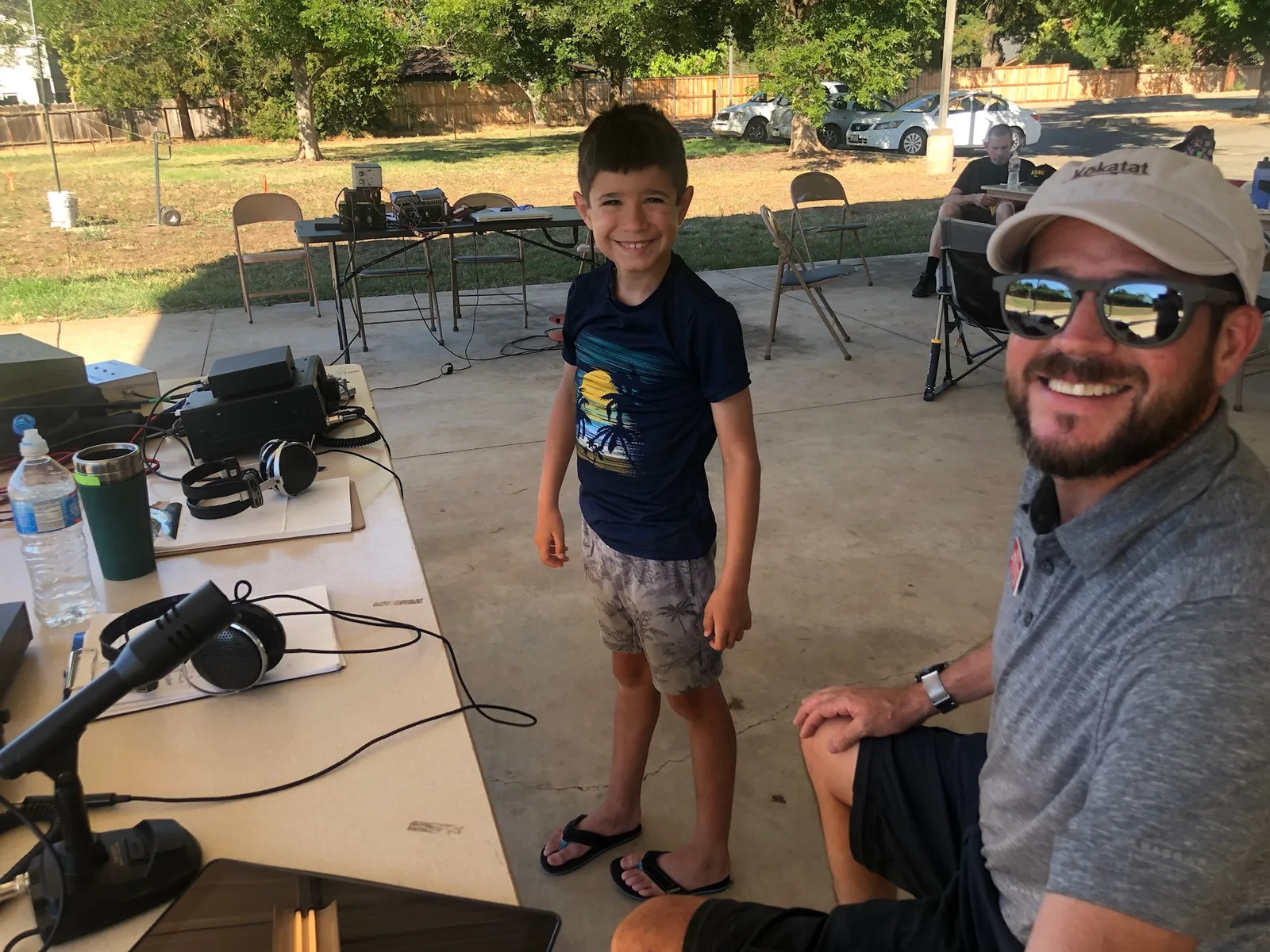
GEARS Field Day · Chico · 2022
Randall Stone and Karden Stone at the operating table. Winlink belongs beside RF voice, APRS and ordinary field discipline.
K6RCS radio email
K6RCS@winlink.org
Winlink is asynchronous and useful when ordinary connectivity is poor. It can also carry a sked proposal. It is not encrypted, private, urgent or a substitute for the ordinary public contact routes.
Winlink
Winlink provides radio email and message transfer through supported gateways and peer paths. It is useful for structured information that voice handles poorly: addresses, lists, status reports, forms, and messages that must survive being heard only once.
RadioMail
RadioMail brings Winlink to iOS in a form suited to mobile and field use. It supports the Team Stone preference for carrying capable tools on devices already in the family system.
Public material to add
- Non-sensitive setup notes
- Message templates and checklists
- Field exercises
- Gateway-selection guidance
- Offline references
From a composed message to a confirmed exchange
Winlink moves email through radio gateways and internet infrastructure. It is useful when the sender cannot use normal internet access but can reach a working radio gateway. It is not proof that every part of the delivery path is independent of the internet.
- Prepare the client and account while normal communications work. Select the correct callsign, interface and supported modem.
- Compose a short message and choose the appropriate form if your group uses one. Avoid large attachments on a slow radio link.
- Use the current gateway/channel list to choose a reachable station, frequency and mode. A printed list is a starting point.
- Listen and establish the RF connection. Send and receive, then inspect the session result and outbox.
- Ask the recipient to reply when receipt matters. Transfer completion is not a human acknowledgment.
Radio versus Telnet
A Telnet session uses the internet directly. It is useful for learning message handling and checking an account, but it does not test the radio, antenna or gateway. Packet, VARA and other radio sessions require compatible hardware and software at both ends. Peer-to-peer operation is a separate planned workflow, not an automatic fallback for an unreachable gateway.
Team Stone practice
Use the PC-connected IC-756 Pro III for the established shack workflow. The FT-897D remains a manual or iOS-assisted station unless deliberately connected and tested. RadioMail is an iOS client; owning the app alone does not create an RF path. Test the actual interface, modem and gateway before a trip.
Keep radio-carried messages appropriate for amateur operation. Do not assume email-style privacy. A gateway’s service availability and RF reach can change with propagation, interference, power and operator maintenance.
Primary reference: Winlink project, gateway information and client documentation. Compare APRS short messaging with this store-and-forward workflow.